Scan · Chat · Order
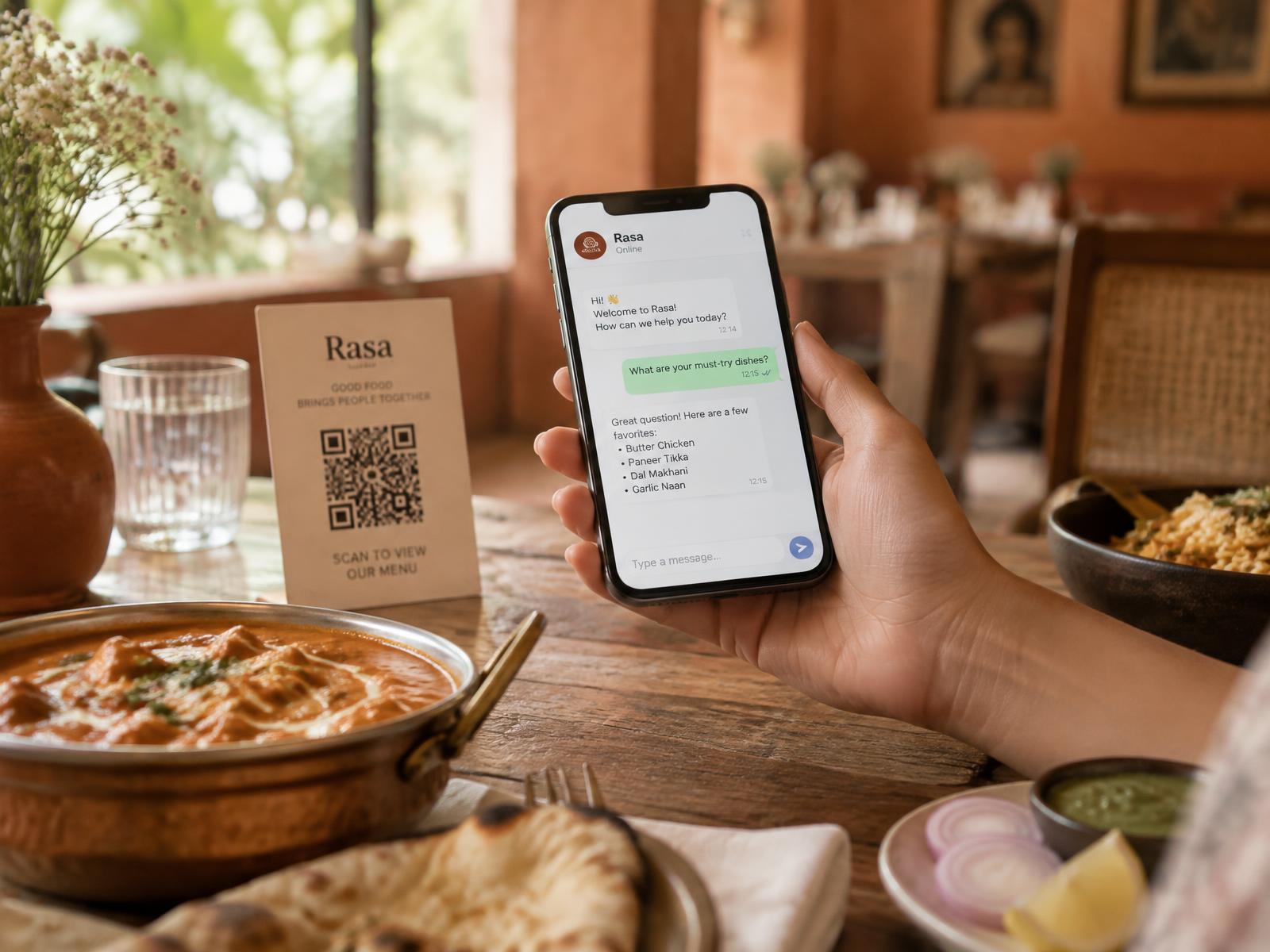
Your table takes orders on WhatsApp.
Guests scan the code on the table, the chat opens with your real menu, and the order lands on your kitchen screen. Nothing to download, nothing printed twice.
Replies inside WhatsApp's 24-hour window cost nothing.
Built for a whole group of restaurants
A unique code per restaurant
Every restaurant — and every table — gets its own scannable code, so the chat always knows where the guest is sitting.
Never an item that doesn't exist
Orders can only be built from the live menu. If a dish is finished, the guest is told and offered what is actually available.
Each restaurant sees only its own
Chats, orders, customers and menus are locked to one restaurant at the database level, not just on the screen.
How a meal goes
- 01
Guest scans
The code on the table opens WhatsApp with a short message already typed.
- 02
Chat answers
Menu, timings, about us, order status or a real person — the guest picks.
- 03
Order is checked
Every line is matched to your live menu and prices before it is accepted.
- 04
Kitchen gets it
Your order screen updates instantly, and the guest gets told when it's ready.